

Adobe XD 36.1.32

Experience Design CC (Adobe XD) is a new tool from Adobe for design, prototyping and presentation. Created for designers,
creative teams and organizations that need to create on a large scale - to build rapid prototypes, as well as high fidelity
user interface and design. Anyone can use Adobe XD CC to create frames, interactive prototypes, and highly fidelity app and website designs.
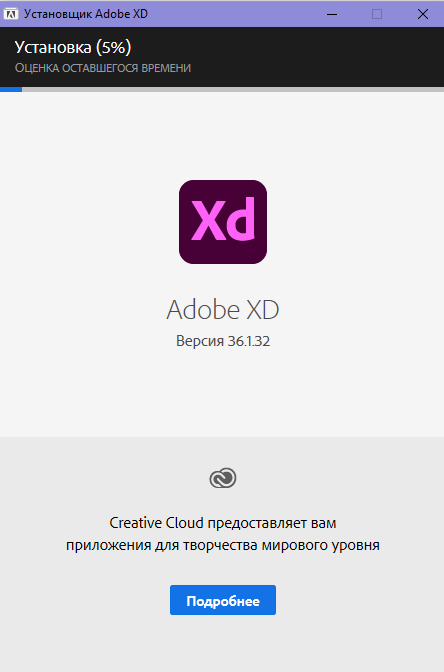
System requirements:
- 64-bit version of Microsoft Windows 10 (version 1803 or later); 64-bit version of Microsoft Windows 10
- Intel or AMD processor with 64-bit OS support
- 4 GB of RAM
- Display with a diagonal of 13 "minimum, with a resolution of 1280x800
- Minimum set of Direct 3D DDI libraries: 10. For Intel GPU drivers must be released in 2014 or later
Question: How can I get a program in a language other than English?
Answer: This type of installer does not provide the user with the choice of the language of the installed application. The language is selected automatically based on the language of the operating system. So if you want to install, for example, the German version, then the interface of your OS must be German. The English version of the application will be installed on operating systems whose language differs from those supported in this program.
Question: How can I set the installation path other than the standard one?
Answer: Nothing. This program is installed strictly in a specific folder.
Question: Are there any editions of this program that run on 32-bit OS or OS younger than Windows 10?
Answer: There are no such editions.
Question: During the installation process, the "Continue" button is not pressed. How to be?
Answer: For the installer to work, you must have Internet Explorer version 11 or higher in the system. Install or update this product to bring the system in line with the installer's requirements.
Question: The installation did not complete due to an incomprehensible error. What to do?
Answer: I recommend that you familiarize yourself with the installation log. It is located in the C: \ Program Files (x86) \ Common Files \ Adobe \ Installers folder. Perhaps here you can get more detailed information about the problem and how to fix it.







Leave a reply