

Webstorm
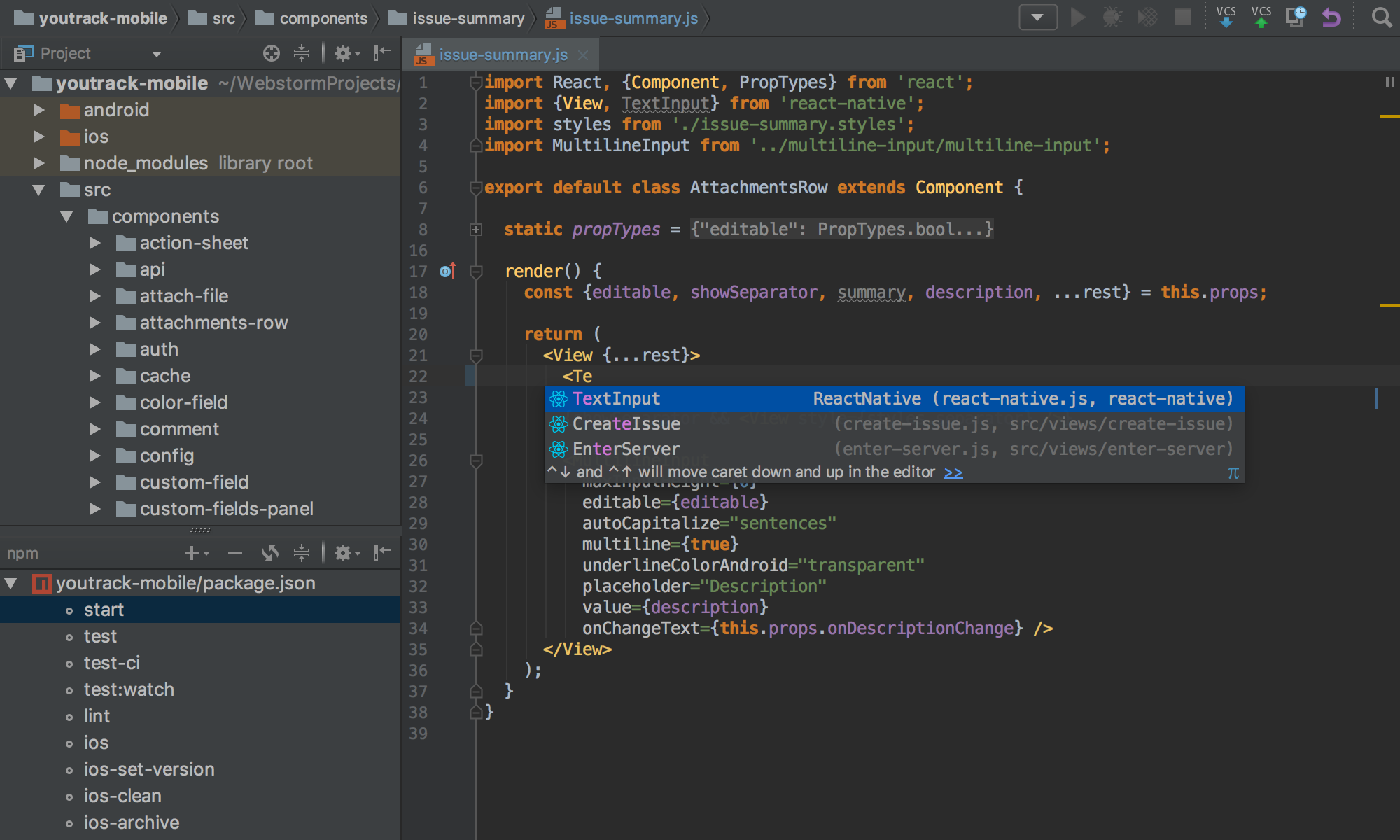
Use the full power of the modern JavaScript ecosystem – WebStorm’s got you covered! Enjoy the intelligent code completion, on-the-fly error detection, powerful navigation and refactoring for JavaScript, TypeScript, stylesheet languages, and all the most popular frameworks.
Debugger
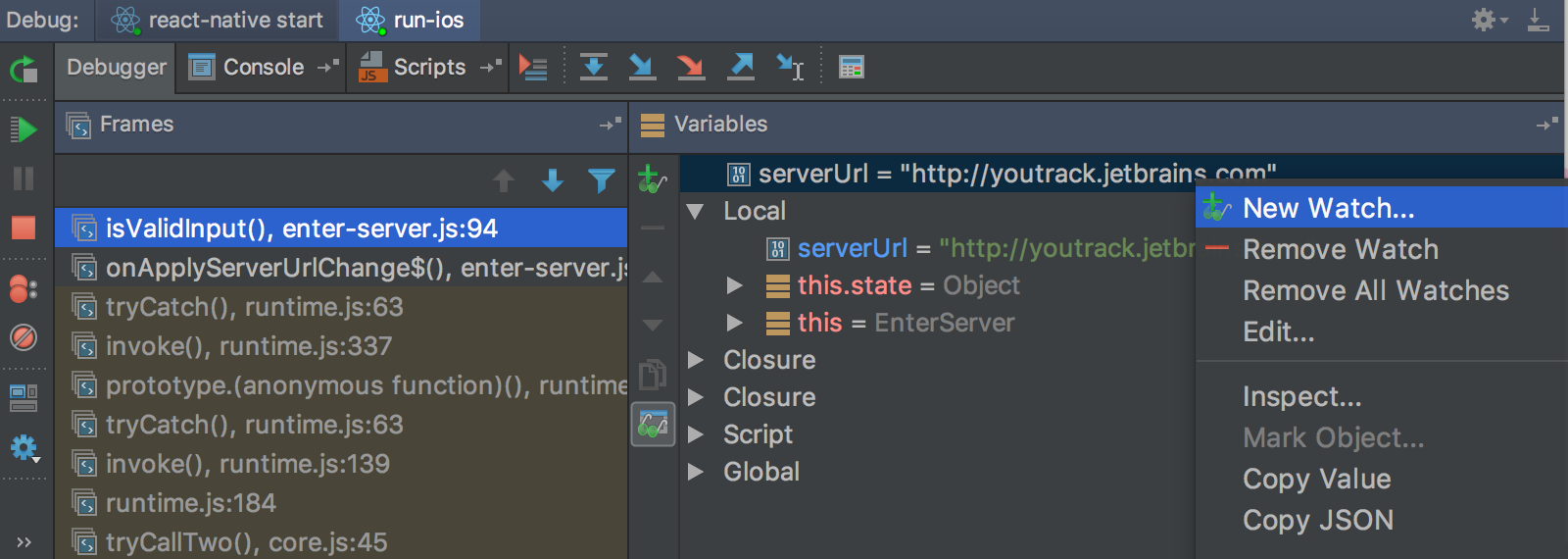
Debug your client-side and Node.js apps with ease in the IDE – put breakpoints right in the source code, explore the call stack and variables, set watches, and use the interactive console.
Seamless tool integration
Take advantage of the linters, build tools, test runners, REST client, and other tools, all deeply integrated with the IDE. But any time you need Terminal, it's also available as an IDE tool window.
Unit testing
Run and debug tests with Karma, Mocha, Protractor, and Jest in WebStorm. Immediately see test statuses right in the editor, or in a handy treeview from which you can quickly jump to the test.
Why WebStorm
Get up and running quickly
Start working on your projects immediately instead of wasting time juggling multiple plugins. With a variety of built-in developer tools and out-of-the-box language and framework support, there’s everything needed for productive JavaScript development.
Increase your productivity
Don’t spend your time going back and forth between the terminal and text editor or on things that can be automated with the help of refactorings and quick fixes; it’s what the IDE is best at. It puts the most critical developer tools like the debugger and Git at your fingertips.

Write better code with less effort
Write cleaner and more reliable code as the IDE runs dozens of inspections as you type and promptly detects potential errors and redundancies. Save time exploring the code base with autocompletion that suggests which variables and methods are most relevant in the current context.
Swiftly find what you need
Get around your code faster regardless of how large your projects are. Jump to the definition for any class, function, method, variable, or component and find its usages in just a few clicks. Easily navigate through the file you have opened with an at-a-glance view of its structure.
Tailor the look and feel to your liking
Don’t feel like using the defaults? Adjust the appearance and behavior of the IDE by playing around with themes, code styles, plugins, and more, so that it fits your unique needs better. You can also automatically share your custom settings between different instances of WebStorm.





Leave a reply